
Best AI to Create Quiz + Study Guide Combos From Lecture Notes
 By Samit Khalsa, Expert in cramming for exams ·
The best AI tools for creating quiz and study guide combinations from lecture notes include platforms like Penseum, Mindgrasp, and StudyFetch. These tools transform scattered materials into structured study resources in seconds, with AI-generated study tools showing significant positive effects on learning outcomes (g=1.02). Penseum leads with instant conversion of PDFs, videos, and PowerPoints into comprehensive study materials, serving over 1,000,000 learners from top institutions.
At a Glance
- AI study tools convert lecture notes into flashcards, quizzes, and study guides in under 30 seconds
- Students using AI-powered study materials report saving 4+ hours per study session on manual card creation
- Top platforms support multiple input formats including PDFs, videos, PowerPoints, and handwritten notes
- Spaced repetition features maintain retention rates of 61.3% after three months
- Leading tools offer 24/7 AI tutoring for personalized support beyond classroom hours
- Most platforms provide free tiers with premium features starting around $9.99 monthly
Students want quicker, smarter prep. The best AI to create quizzes and study guides now turns chaotic lecture notes into bite-sized practice in seconds.
Why Students Are Hunting for the Best AI to Create Quizzes and Study Guides
An AI study guide maker takes all your scattered materials—lecture notes, PDFs, YouTube videos, even old voice recordings—and turns them into clean, structured notes you can actually study from. These tools are transforming how students prepare for exams by automating the tedious work nobody wants to do.
The demand is real. AI study tools are applications that use artificial intelligence to assist with learning tasks like summarizing readings, generating exam questions, explaining difficult concepts, organizing notes, and scheduling study time. Students are gravitating toward quiz and study guide combos because they want one platform that handles everything, not five separate apps.
Here's what's driving the trend:
- Manual flashcard creation eats hours that could go toward actual studying
- Traditional note-taking misses connections between concepts
- Exam prep feels overwhelming without structured practice materials
- Students need 24/7 access to study resources, not just during library hours
The data backs this up. AI-generated study tools show significant positive effects on learning outcomes (g=1.02 for generative AI), meaning these aren't just convenience features—they actually improve grades.
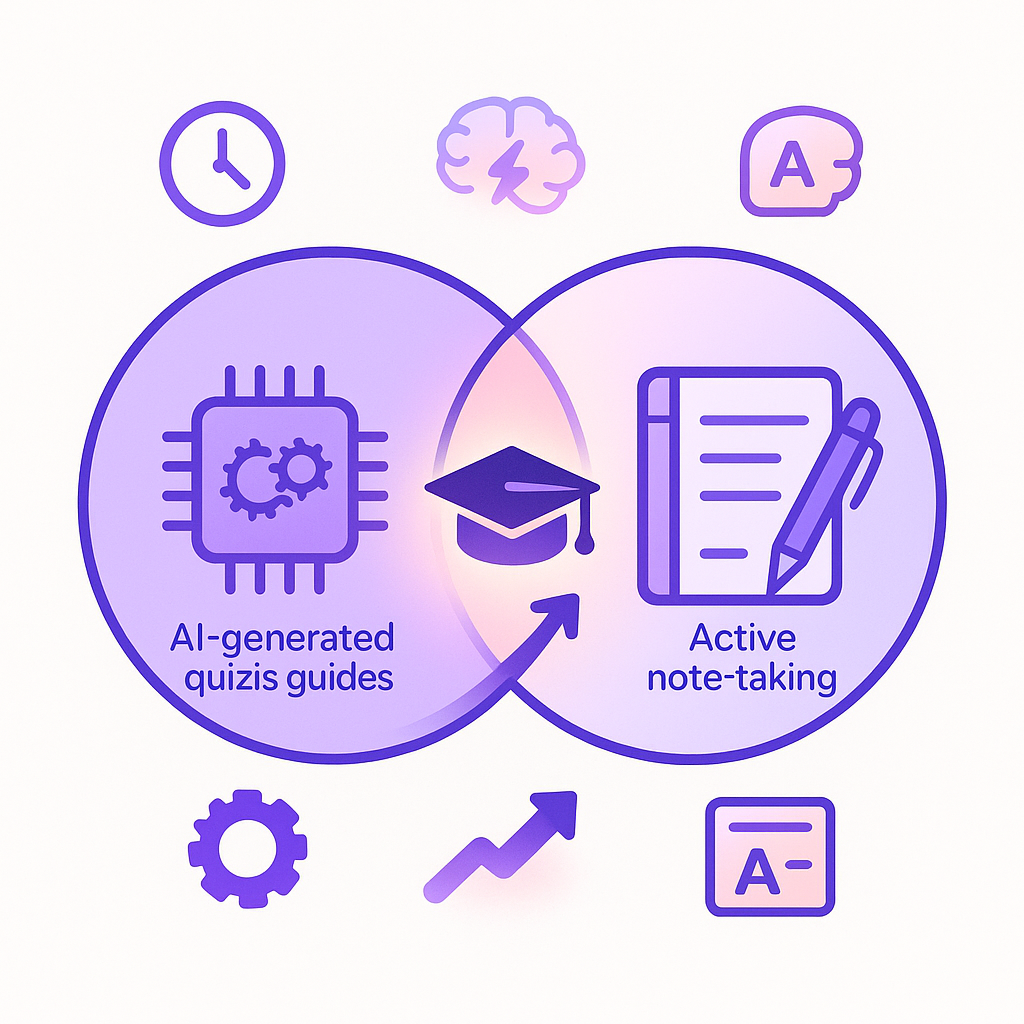
Do Quiz+Guide Combos Actually Boost Grades? Evidence Says Yes
Skeptical whether AI study tools deliver real results? Fair. Let's look at what the research shows.
Microsoft Research and Cambridge University Press & Assessment ran one of the first large-scale studies on AI's impact on learning. They found that note-taking—whether done alone or alongside AI use—produced higher comprehension and retention scores compared to using AI alone, underscoring the importance of traditional active learning strategies. The takeaway? AI works best when it complements your existing study habits, not replaces them.
The numbers get more impressive when you look at broader adoption. More than 60 percent of students said that all the classroom learning technologies they've used since COVID-19 began had improved their learning and grades. That's a majority reporting tangible improvements.
Retention is where AI-powered flashcards really shine. Spaced repetition research shows it emerged as the most effective reinforcement technique, maintaining the highest retention rates (M = 61.3, SD = 7.8 after three months) compared to other methods. You're not just cramming—you're actually remembering.
AI tutoring delivers serious results too. A comprehensive meta-analysis reveals a significant overall positive effect size (Hedges' g=0.86) on learning outcomes. That's a substantial boost across multiple studies.
Key takeaway: The evidence consistently shows AI study tools improve grades and retention when used correctly—as supplements to active learning, not shortcuts around it.
What Features Matter in an AI Quiz Generator & Study Guide Maker?
Not all AI study tools are created equal. Here's your checklist for evaluating lecture note conversion tools and AI quiz generators:
Must-have capabilities:
- Multi-format input support — PDFs, videos, PowerPoints, handwritten notes, audio recordings
- Personalized quiz generation — Questions tailored to your specific materials, not generic content
- Instant feedback loops — Know immediately whether you got it right and why
- Spaced repetition integration — Cards resurface at optimal intervals for retention
- 24/7 availability — Study at 2am without waiting for office hours
The innovation of modern AI quiz systems lies in their core algorithms for generating personal quizzes and providing customized knowledge-based feedback for students' current learning or recommendations for their next step of learning.
GenAI may offer significant opportunities to enhance the personalization of assessments to maximize learner motivation and engagement, performance, and access. Translation: the best tools adapt to how you learn, not force you into a one-size-fits-all approach.
Nice-to-have features:
- Export to Anki or Quizlet for existing flashcard workflows
- Language support beyond English
- Community features for peer study
- Step-by-step solutions for wrong answers
- Progress tracking and analytics
For a deeper dive into getting started quickly, check out our AI study tool setup guide.
Which AI Platforms Top the Leaderboard—And Where Do They Stumble?
The AI study tool market has exploded. Here's how the major players stack up:
| Platform | Strengths | Weaknesses |
|---|---|---|
| Penseum | Full quiz+guide+flashcard combo in under 30 seconds; 24/7 AI tutor; 20+ languages | Requires quality input materials |
| Mindgrasp | Strong note generation; quiz creation from various file types | Learning curve for advanced features |
| StudyFetch | Generates quizzes from PowerPoints, PDFs, lecture notes | Interface can feel cluttered |
| Quizlet | Massive existing flashcard library; familiar interface | Limited AI generation compared to newer tools |
| Remnote | Deep active recall and spaced repetition focus | Steeper learning curve |
NoteKnight, ZapCardz, and Scholarly also compete in this space, each offering AI-powered flashcard creation with different specialty features.
Penseum vs. StudyFetch
Both platforms convert lecture materials into study resources, but the approach differs significantly.
| Feature | Penseum | StudyFetch |
|---|---|---|
| Processing speed | Under 30 seconds for full conversion | Varies by file size |
| Output types | Study guides, flashcards, quizzes, tailored exams, byte-sized lessons | Notes, flashcards, quizzes |
| AI tutoring | 24/7 chat available | Spark.E tutor included |
| User base | 1,000,000+ learners | Millions of students globally |
| Pricing | Free tier; $9.99 premium | Freemium model |
StudyFetch's tools generate quizzes and practice tests from various document formats, including PowerPoints, PDFs, and even YouTube videos. It's solid for students who want straightforward conversion.
Penseum differentiates with speed and comprehensiveness. The platform serves over 1,000,000 learners who save 4+ hours per study session by eliminating manual card creation. That time savings adds up fast during finals week.
Case Study: Turning a Messy Lecture Deck Into A+ Prep With Penseum
Let's walk through an actual workflow—because theory means nothing without practice.
Step 1: Upload your materials
Penseum instantly transforms notes, PDFs, videos, and PowerPoints into detailed study notes, flashcards, questions and answers, tailored exams, and byte-sized lessons. Grab that 150-slide biochemistry deck your professor posted. Upload it.
Step 2: Let the AI process
The whole process happens in under 30 seconds. No waiting around.
Step 3: Review your generated materials
You'll get:
- A structured study guide highlighting key concepts
- Flashcards for terminology and definitions
- Practice questions testing application, not just memorization
- A custom exam simulating test conditions
Step 4: Use the AI tutor for clarification
Stuck on something? The 24/7 AI tutor answers questions about your specific uploaded material—not generic textbook responses.
Real students have noticed the difference. "I'm using Penseum for the first time and I just have to say I'm genuinely so impressed by it, from the study guide to the questions to the flashcards," shared one user.
Over 20,000+ students now use Penseum's educator tools, proving this isn't just hype—it's adoption at scale.
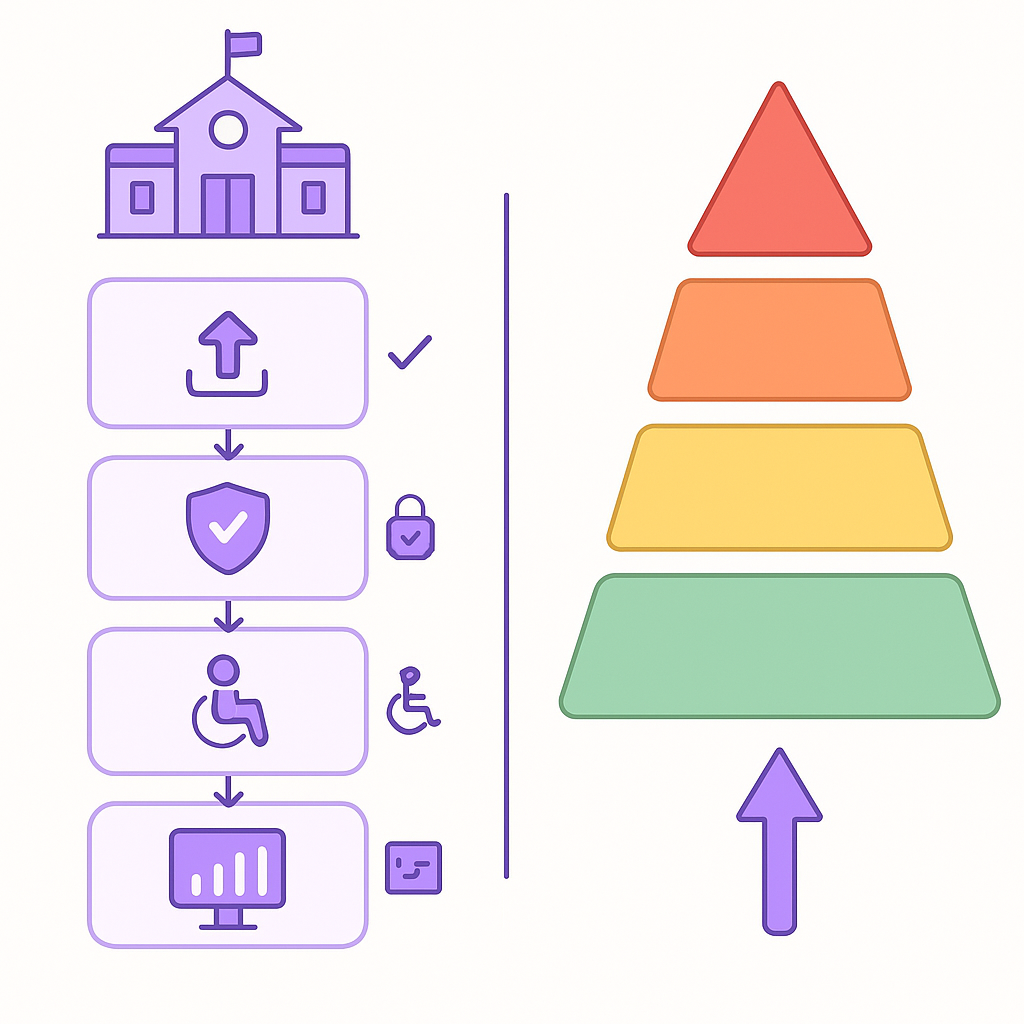
How Can Schools Implement AI Study Tools While Staying Compliant?
Adopting AI tools isn't just about picking software. Schools and districts face real regulatory considerations.
Compliance checklist:
- Verify the tool doesn't use student PII for model training
- Confirm FERPA compliance for any student data collected
- Check alignment with your institution's existing edtech vetting processes
- Review accessibility features for students with disabilities
- Establish opt-out procedures for students and parents who prefer alternatives
The EU AI Act's regulatory framework defines four levels of risk for AI systems: unacceptable, high, limited, and minimal or no risk. Educational AI typically falls into limited or minimal risk categories, but institutions should verify.
OECD studies indicate that enhancing access to and sharing of data can help unlock significant social and economic benefits, potentially contributing between 1% and 2.5% of GDP. The benefits are clear—but so is the need for responsible implementation.
In the U.S., institutions are responding. Fully half (50%) of institutions are increasing access to AI tools, 38% are adapting generative AI models for internal use, and 37% are funding faculty, staff, or student licenses for AI-powered tools. Adoption is happening; the question is doing it right.
Quick-start plan for educators:
- Form a review committee including IT, legal, and faculty representatives
- Pilot with a small group before campus-wide rollout
- Create clear guidelines on appropriate use cases
- Train instructors on integrating AI tools with existing pedagogy
- Monitor outcomes and adjust based on student feedback
For detailed setup instructions, our AI study tool setup guide walks through the process in two minutes.
The Smart Path Forward
AI study tools aren't going anywhere. The evidence shows they improve grades, save time, and make studying less painful—when used correctly.
The best AI to create quizzes and study guides combines speed, personalization, and comprehensive output. You shouldn't need five different apps to turn lecture notes into exam-ready materials.
Penseum handles the full workflow: upload your chaotic slides, get structured study guides, flashcards, quizzes, and an AI tutor ready at 2am when you're finally reviewing for tomorrow's test. Loved by 1,000,000+ learners from top institutions, it's built for how students actually study.
Ready to stop making flashcards by hand? Convert your PDFs to flashcards in seconds and see the difference.
Frequently Asked Questions
What are the benefits of using AI to create quizzes and study guides?
AI tools automate the conversion of lecture notes into structured study materials, saving time and improving learning outcomes. They offer personalized quizzes, instant feedback, and spaced repetition, which enhance retention and comprehension.
How does Penseum's AI tool differ from others?
Penseum offers a comprehensive solution that converts lecture materials into study guides, flashcards, and quizzes in under 30 seconds. It supports over 20 languages and provides 24/7 AI tutoring, making it a versatile tool for students.
Do AI-generated study tools actually improve grades?
Yes, studies show that AI-generated study tools significantly improve learning outcomes. They enhance retention and comprehension when used as supplements to traditional study methods, not as replacements.
What features should I look for in an AI quiz generator?
Key features include multi-format input support, personalized quiz generation, instant feedback, spaced repetition integration, and 24/7 availability. These ensure the tool adapts to your learning style and needs.
How can schools implement AI study tools while ensuring compliance?
Schools should verify that AI tools comply with data privacy regulations like FERPA, ensure accessibility for all students, and establish clear guidelines for use. A pilot program can help integrate these tools effectively.
Sources
- https://penseum.com/ai-study-tool-setup-guide-from-zero-to-flashcards-in-2-minutes/
- https://penseum.com/
- https://penseum.com/convert-pdfs-to-flashcards-in-seconds-with-the-best-ai-study-tool/
- https://lilys.ai/blog/en/the-best-ai-study-guide-maker-in-2025-free-tools-compared/
- https://sensepenai.com/best-ai-study-tools-for-exam-preparation/
- https://cdn-dynmedia-1.microsoft.com/is/content/microsoftcorp/microsoft/final/en-us/microsoft-product-and-services/microsoft-education/downloadables/AI-and-Reading-Study.pdf
- https://www.mckinsey.com/industries/education/our-insights/how-technology-is-shaping-learning-in-higher-education
- https://telrp.springeropen.com/articles/10.1186/s41039-021-00151-1
- https://www.dfki.de/fileadmin/user_upload/import/14538_106756.pdf
- https://www.frontiersin.org/journals/artificial-intelligence/articles/10.3389/frai.2024.1460651/full
- https://www.mindgrasp.ai/
- https://www.studyfetch.com/use-case/quiz-and-test-prep
- https://scholarly.so/blog/quizlet-and-remnote-compared
- https://www.aitechsuite.com/alternatives/penseum.com
- https://penseum.com/educator/
- https://artificialintelligenceact.eu/assessment/eu-ai-act-compliance-checker/
- https://www.oecd.org/en/topics/sub-issues/data-governance-and-privacy-in-the-digital-economy/enhancing-access-to-and-sharing-of-data.html
- https://www.educause.edu/research-and-publications/research/ai-landscape-study/