
AI Study Tool Under $10/Month? Compare Affordable Options
 By Samit Khalsa, Expert in cramming for exams ·
Several AI study tools offer robust features under $10 monthly, including StudyPDF Pro at $3.99 for PDF processing with SM-2 spaced repetition, Scholarly Ultimate at $9 with unlimited AI text completions, and Penseum Premium at $9.99 serving over 1 million learners. These platforms help students save 4+ hours per study session while improving grades by 25-40%.
TLDR
• Budget options range $3.99-$9.99/month – StudyPDF Pro ($3.99), Scholarly Ultimate ($9), Penseum Premium ($9.99)
• Proven academic improvements – Students report 25-40% higher exam scores using AI study tools
• Major time savings – 27% reduction in study time documented after three months of AI tool use
• Key features under $10 – Unlimited flashcard generation, PDF-to-study material conversion, spaced repetition algorithms
• Free tiers available – Most platforms offer limited free access with 250 AI completions daily on Scholarly's free plan
Okay let's be real – you're probably reading this at 2am, surrounded by empty energy drink cans, wondering if there's a better way to study than highlighting your entire textbook yellow. Good news: AI study tools under $10 exist, and they actually work. But with textbook prices already destroying your wallet, which ones are worth your last few dollars?
Why budget-friendly AI study tools matter in 2025
The struggle is universal. Between tuition, rent, and ramen, the average college student barely has money for coffee, let alone expensive study apps. Yet traditional methods waste 60% of your precious study time on manual tasks like rewriting notes or making flashcards by hand.
Here's what's changed: AI study tools are no longer luxury items. The sub-$10 category has exploded with legitimate options that help students report 25-40% higher exam scores. That's the difference between passing and retaking organic chemistry (and nobody wants to do that twice).
Think about it – for less than your monthly streaming subscription, you could save 4+ hours every single study session. That's time you could spend working your campus job, actually sleeping, or maybe even having a social life.
Do AI study apps actually boost grades and save hours?
The short answer: yes, if you pick the right ones. Let's look at what the data actually shows:
Grade Improvements:
- Students using AI tools report 25-40% higher exam scores
- StudyPDF offers 45% grade improvement on average
- AI-assisted students complete coursework 40% faster
Time Savings:
- University students saw 27% reduction in study time after three months
- Reduction in study hours alongside GPA increases
- Generation speed comparison: 10 minutes vs. 4 hours for manual flashcard creation
The evidence is clear – these tools aren't just fancy calculators. They fundamentally change how efficiently your brain absorbs information.
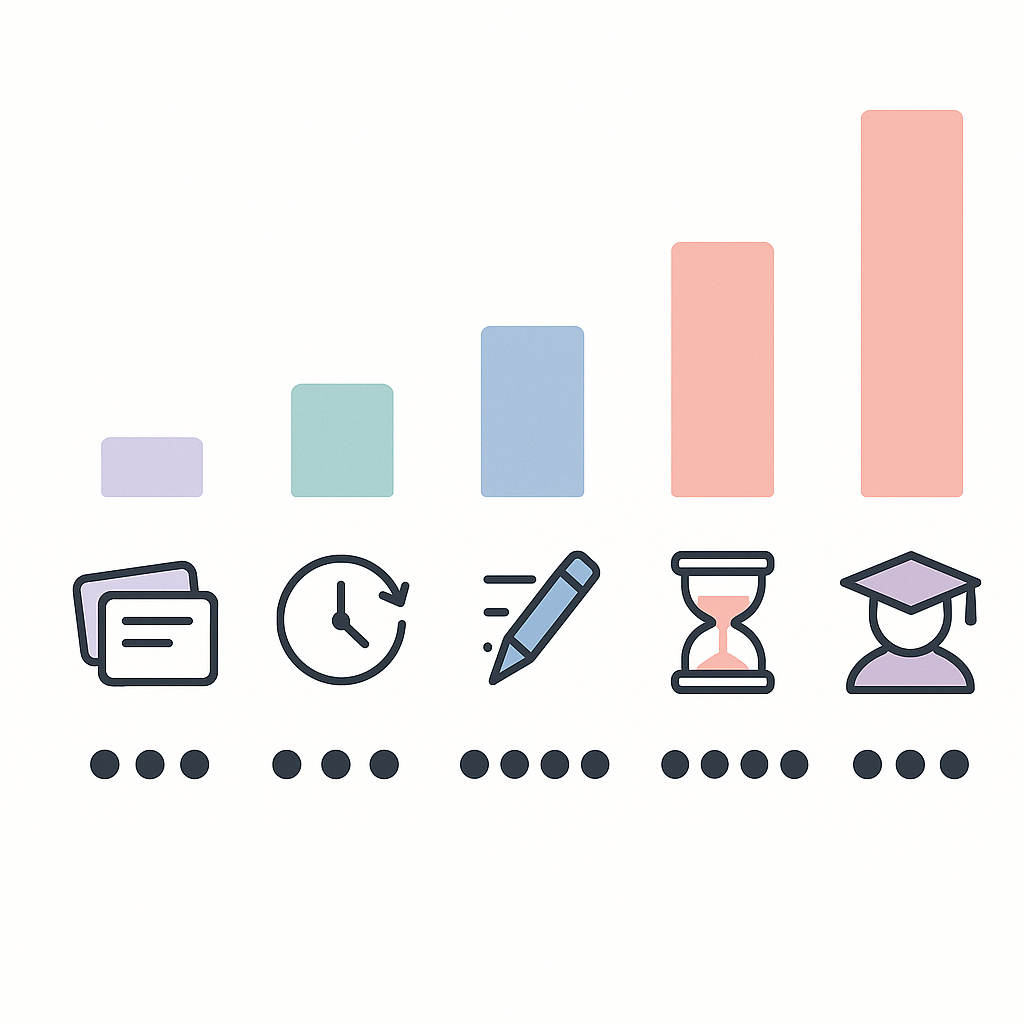
Which AI study platforms cost less than $10/month?
Here's the breakdown of legitimate AI study tools that won't require selling a kidney:
| Platform | Monthly Price | Killer Feature | Best For |
|---|---|---|---|
| StudyPDF Pro | $3.99/month | SM-2 spaced repetition | PDF-heavy courses |
| StudySesh Premium | $7.99/month | Focus timers + AI | ADHD students |
| Scholarly Ultimate | $9/month | Unlimited flashcards | Heavy memorization |
| Penseum Premium | $9.99/month | 24/7 AI tutor | All subjects |
| Lumie A+ | $9.99/month | Live note-taking | Lecture-based classes |
Scholarly Ultimate – unlimited flashcards for $9
Scholarly's free tier gives you 250 AI text completions daily, which honestly covers most students. But the Ultimate plan at $9/month removes all limits – unlimited AI text completions, unlimited PDF-to-flashcard conversions, and the ability to export to Anki.
The catch? Free users are capped at 50 pages for PDF conversions. If you're dealing with 300-page textbooks, you'll hit that wall fast.
Lumie A+ – live note-taking powerhouse at $9.99
Lumie A+ shines during actual lectures. You get unlimited live note-taking that captures everything while you focus on understanding. The unlimited Snap & Solve feature handles those nightmare problem sets, and files up to 300MB each upload mean you can upload entire textbook PDFs without compression.
Free users get 300 minutes live note-taking monthly, which covers about 5-6 lectures. Not bad for testing it out.
Penseum vs. StudyPDF & other sub-$10 rivals
Penseum sits at $9.99 per month but delivers something unique – it's built specifically for broke students who need maximum output from minimum input. With over 1,000,000 learners already using it, the platform has proven it can save 4+ hours every study session.
Compare that to StudyPDF at $3.99/month, which offers great value but focuses primarily on PDF processing. Meanwhile, Penseum handles everything – PDFs, videos, handwritten notes, even those blurry whiteboard photos from the back of the lecture hall. The platform sees 16.02K monthly visits from students who've figured out the value proposition.
What sets Penseum apart is the integration. While Scholarly offers unlimited flashcards, Penseum builds complete study ecosystems from your materials.
Creation speed & tool breadth
When it comes to pumping out study materials fast, here's how they stack up:
- Penseum: Uploads any study material – PDFs, lecture notes, slides, videos – and generates flashcards, quizzes, and study guides simultaneously
- StudyPDF: Creates Anki-style flashcards with SM-2 algorithm for scientifically proven retention
- Free alternatives: Tools offer 100 pages/month free trial but limited output formats
Real-world results
The numbers speak for themselves:
- Penseum users consistently save 4+ hours per study session
- StudyPDF delivers 45% grade improvement on average
- Students report 25-40% higher exam scores across all AI platforms
One Penseum user put it perfectly: "Save 4+ hours every study session!" That's not marketing fluff – it's actual time you get back.
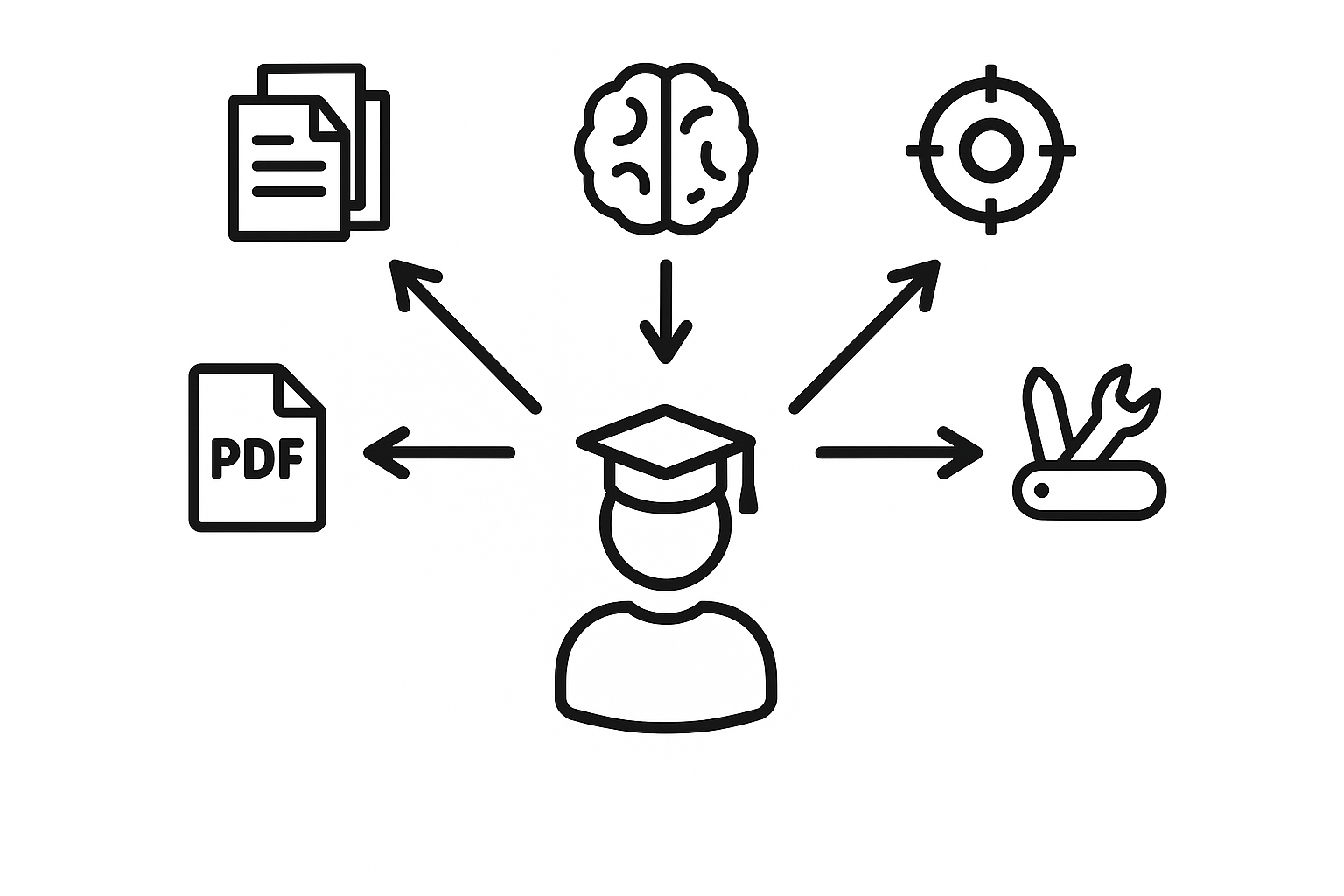
How to pick the right sub-$10 AI study sidekick
Choosing your AI study tool is like picking a roommate – get it wrong and you're stuck with something that doesn't work for you. Here's your checklist:
-
Identify your pain points: Are you drowning in note organization and retrieval? Pick something with strong organizational features.
-
Check your learning style: AI-based recommendation systems adapt to how you learn best – make sure your tool offers personalization.
-
Consider your courses: Math-heavy semester? You need AI math tools that handle equations. Reading-intensive? Focus on PDF processors.
-
Test security concerns: Faculty expressed concerns about data security – check privacy policies before uploading sensitive materials.
-
Trial everything: Most platforms offer free tiers. Use them before committing your coffee money.
How can you squeeze premium value from free or cheap plans?
Want to game the system? Here's how to maximize your broke-student budget:
Stack free trials strategically: Start with 10+ free AI study tools on Scholarly, then rotate through other platforms' free tiers during different parts of the semester.
Master the export game: Scholarly offers free access to educators – if your professor uses it, you might score free Ultimate access for the whole class.
Optimize your free allowances: With free trial available (100 pages/month) on many platforms, process your most important materials first, then use free flashcard apps for review.
Join study groups: Pool resources with classmates. One person gets Lumie for note-taking, another gets Penseum for study materials – share the outputs.
Time your upgrades: Save paid subscriptions for finals week when you need maximum firepower.
Key takeaways & where to study smarter next
Here's the deal: AI study tools under $10 aren't just affordable – they're game-changers. With over 1,000,000 learners already using platforms like Penseum to save 4+ hours per study session, the question isn't whether to use them, but which one fits your specific chaos.
For $9.99 per month, Penseum delivers the most comprehensive package – handling everything from your chicken-scratch notes to three-hour lecture recordings. It's built by students who understand that you need results fast, not fancy features you'll never use.
The bottom line? Stop wasting 60% of your study time on manual tasks. Pick a tool, commit to using it for one month, and watch your grades improve while your stress levels drop. Your future self (and GPA) will thank you.
Ready to transform your study game? Try Penseum free and see why over a million students have already made the switch. Because let's face it – you've got better things to do than rewrite your notes for the fifth time.
Frequently Asked Questions
What are some AI study tools available for under $10/month?
Some AI study tools under $10/month include StudyPDF Pro, StudySesh Premium, Scholarly Ultimate, Penseum Premium, and Lumie A+. Each offers unique features like spaced repetition, focus timers, and live note-taking.
How do AI study tools improve grades and save time?
AI study tools can improve grades by 25-40% and save significant time by automating tasks like flashcard creation and note organization. They help students focus on learning rather than manual preparation.
What makes Penseum a unique AI study tool?
Penseum stands out by offering a comprehensive package that handles various study materials, including PDFs, videos, and notes, and transforms them into interactive learning tools. It is designed for maximum efficiency and is used by over 1,000,000 learners.
How can students maximize the value of free or cheap AI study tools?
Students can maximize value by strategically stacking free trials, optimizing free allowances, joining study groups to share resources, and timing upgrades for peak study periods like finals week.
What should students consider when choosing an AI study tool?
Students should consider their specific study needs, learning style, course requirements, and data security concerns. It's also beneficial to trial different platforms to find the best fit.
Sources
- https://studypdf.net/tools/best-ai-tool-for-creating-study-materials-from-pdfs
- https://www.scholarly.so/pricing
- https://penseum.com/
- https://studypdf.net/tools/best-ai-study-tools-2025
- https://link.springer.com/article/10.1007/s10758-025-09897-9
- https://studypdf.net/guides/mastering-academic-success-with-smart-study-tools
- https://penseum.com/economics/
- https://studypdf.net/guides/getting-started-with-ai-study-tools
- https://www.mdpi.com/2813-4346/4/2/17
- https://studysesh.app/pricing
- https://www.lumie-ai.com/pricing
- https://penseum.com/ai-math/
- https://scholarly.so/ai/tools