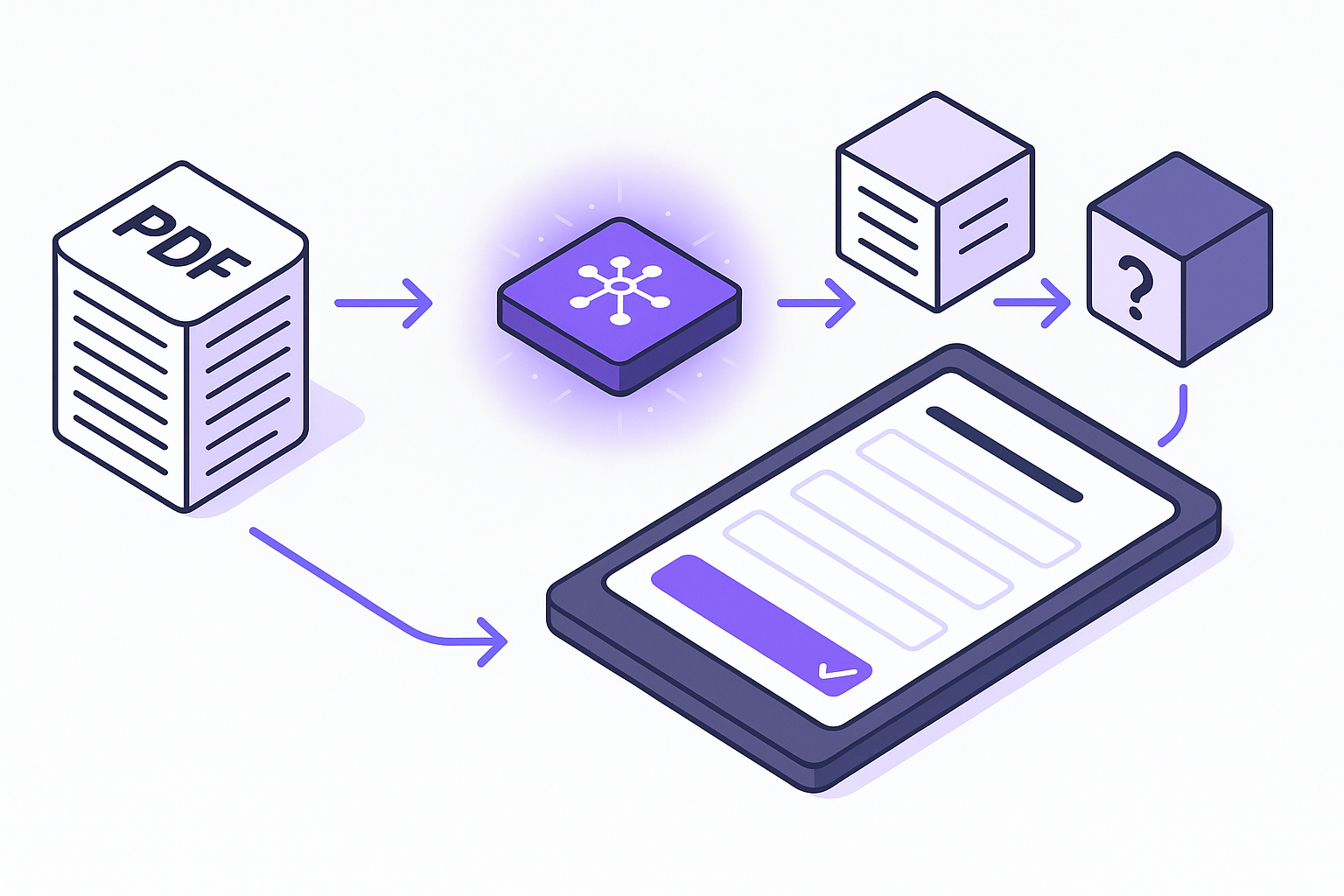
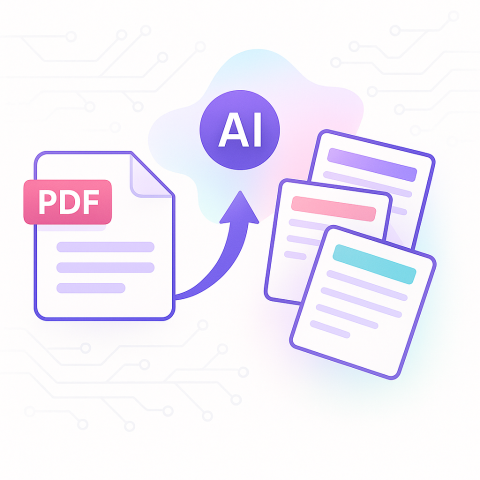
AI study tool setup guide: From zero to flashcards in 2 minutes
 By Samit Khalsa, Expert in cramming for exams ·
Setting up an AI study tool takes just two minutes: create an account, upload your materials (PDFs, notes, videos), and click generate to instantly get flashcards, quizzes, and study guides. Research shows AI tutoring delivers significant learning improvements (Hedges' g=0.86), with spaced repetition maintaining 61.3% retention after three months.
At a Glance
• Upload any study material (PDFs, videos, PowerPoints, handwritten notes) and get flashcards instantly
• AI-generated study tools show significant positive effects on learning outcomes (g=1.02 for generative AI)
• Penseum offers free access with premium features at $9.99, supporting over 20 languages
• Spaced repetition research demonstrates superior retention rates compared to traditional study methods
• Over 1,000,000 learners from top institutions already use the platform for subjects ranging from STEM to humanities
Open an AI study tool, drop in your class notes, and hit Generate–that's all it takes to go from raw content to test-ready flashcards in two minutes. We show why that speed matters and the exact clicks to get there.
Why set up an AI study tool–and is 2 minutes really enough?
Generative AI is reshaping the way we teach and learn, creating new possibilities across all levels of education–from primary schools to higher education institutions. According to Microsoft's Education AI Toolkit, early adopters report improved student engagement and achievement as AI streamlines administrative tasks and lesson planning.
But here's what matters most for you: AI tutoring delivers serious results. A comprehensive meta-analysis reveals a significant overall positive effect size (Hedges' g=0.86) on learning outcomes, with generative AI demonstrating the most substantial benefit (g=1.02). That's not just statistical noise–that's the difference between struggling through material and actually mastering it.
Why does instant setup matter? Because the faster you can transform your notes into interactive study tools, the more time you have for actual learning. Penseum instantly transforms notes, PDFs, videos, and PowerPoints into detailed study notes, flashcards, questions and answers, tailored exams, and byte-sized lessons. No more spending hours creating study materials manually when you could be actively reviewing.
Key takeaway: Two minutes is absolutely enough when you pick the right tool–you'll go from uploading materials to practicing with AI-generated flashcards before your coffee gets cold.
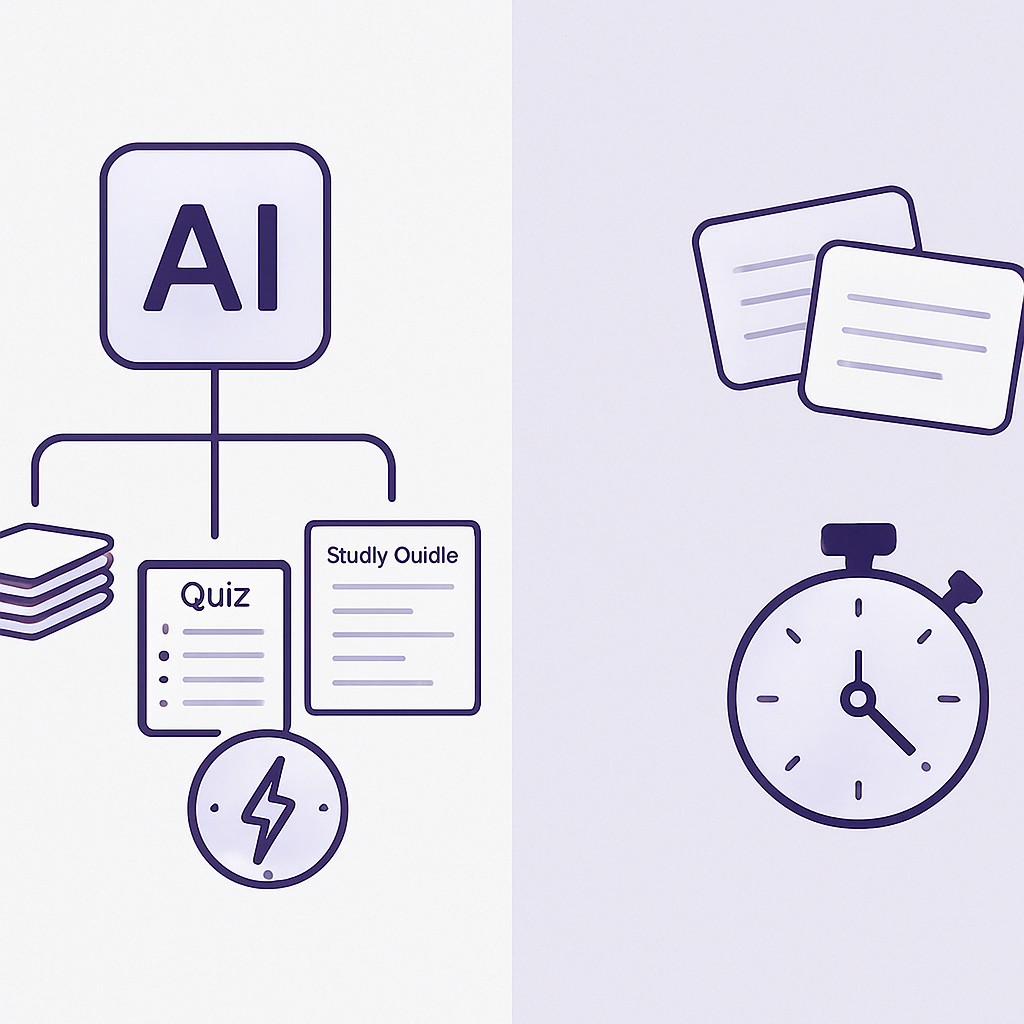
Which flashcard generator is best (Penseum vs alternatives)?
In 2025, AI flashcard generators have become essential for students, automating the creation of study materials and improving learning efficiency. But with so many options, which one gets you studying fastest?
Let's break down the top contenders:
Penseum stands out by instantly transforming notes, PDFs, videos, and PowerPoints into comprehensive study materials. It's not just flashcards–you get detailed study notes, Q&As, tailored exams, and bite-sized lessons all in one platform. Plus, it supports over 20 languages and has already helped over 1,000,000 learners from top institutions.
Both Gizmo and memo (formerly PDF2Anki) are solid choices for making flashcards with AI. Gizmo excels at converting various formats into flashcards with gamification features, while memo provides greater customization flexibility. But they're primarily flashcard-focused, lacking the comprehensive study suite Penseum offers.
Here's a quick comparison of pricing:
- Coursebox AI offers smart feedback systems with a free tier
- NoteGPT provides free Chrome Extension integration with Quizlet and Cram
- Penseum is free to use with a premium subscription at $9.99
For students tackling AI math problems or complex subjects, Penseum's step-by-step solutions give it an edge. As one user noted: "Flashcards on Penseum are dope! Makes memorizing stuff so much easier. 💡"
Step 2 — drag-and-drop your notes, PDFs, or videos
Forget complicated uploads and file conversions. Students can upload their content like PDFs, videos, and presentations to create flashcards, quizzes, and practice tests in seconds.
Using Penseum is pretty straightforward. First, you upload your study materials – whether it's notes, PDFs, videos, or even PowerPoints. The platform's AI technology quickly processes uploaded materials to generate study resources, while also offering step-by-step solutions for complex topics like mathematics.
Here's what you can upload:
- Lecture slides from any subject
- Handwritten notes (just snap a photo)
- YouTube lecture videos
- PowerPoint presentations
- PDF textbooks and readings
For economics students, this means you can drop in those dense supply and demand graphs or complex elasticity formulas and get instant, digestible study materials. Penseum supports a wide range of subjects, from STEM fields to humanities and social sciences.
The magic happens instantly–the AI processes your materials in seconds, not minutes. No need to wait around or schedule processing time.
How do you auto-generate high-yield flashcards?
Penseum automatically generates flashcards from your notes, saving you tons of time. But it's not just about speed–it's about quality.
The Flashcard Generator uses AI to create flashcards from documents, text, images, videos, and audio. What makes AI-generated cards "high-yield"? They focus on concepts that actually matter for your exams.
Here's how to maximize your flashcard quality:
- Upload comprehensive materials: The AI pulls from what you give it, so include lecture notes, textbook chapters, and any study guides
- Review and refine: AI tools like Anki Card Crafter create effective learning cards, but you can tweak them for your specific needs
- Use active recall principles: The best flashcards test understanding, not just memorization
Penseum incorporates these principles automatically. As another satisfied user shared: "Flashcards on Penseum are dope!" Makes memorizing stuff so much easier. The platform generates cards that test comprehension, not just rote memory.
You can also customize difficulty levels and card types–from basic Q&A to cloze deletions for language learning. The AI adapts to your materials, creating cards appropriate for your subject and level.
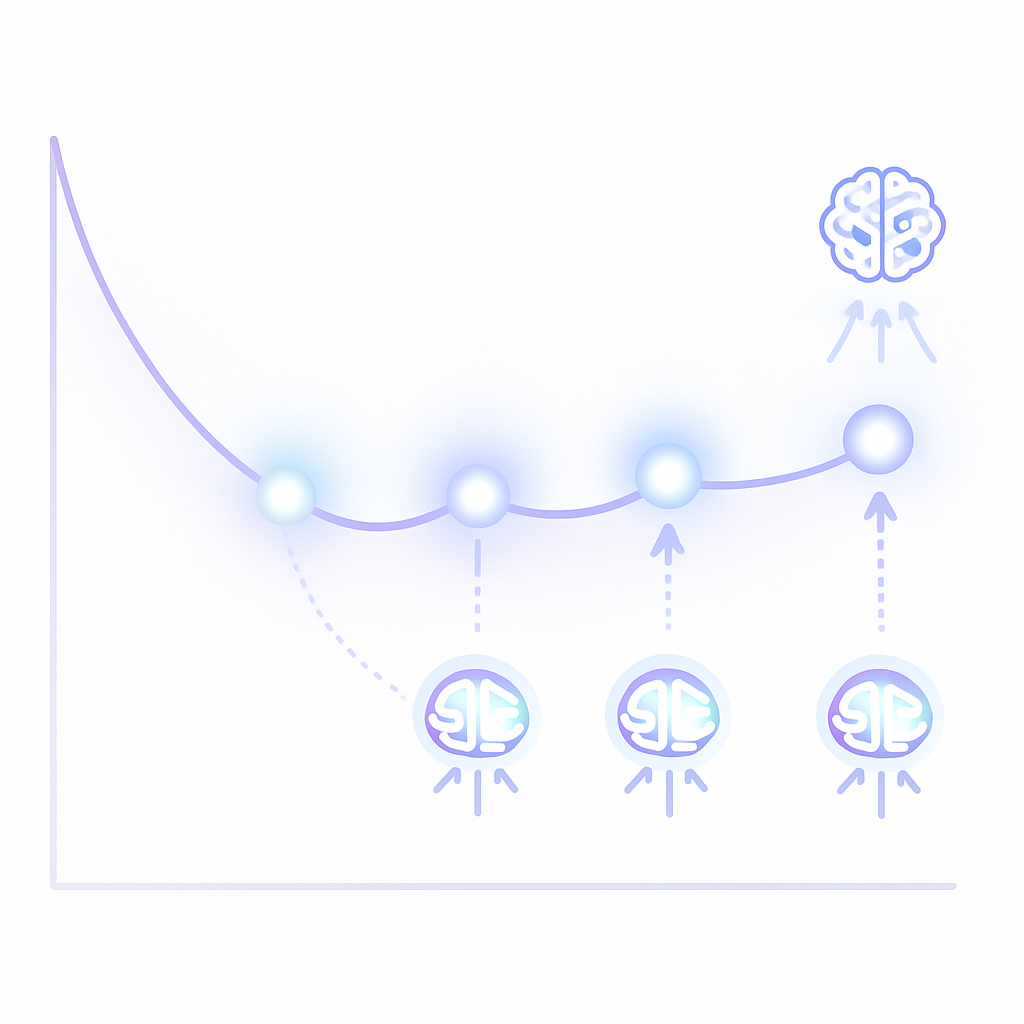
How can spaced repetition & AI tutoring lock knowledge in?
Spaced repetition research shows it emerged as the most effective reinforcement technique, maintaining the highest retention rates (M = 61.3, SD = 7.8 after three months) compared to other methods. But how do you actually implement it without drowning in scheduling?
Flashcard schedulers rely on student models to predict which flashcards you know and teaching policies to pick which cards to show next. Modern AI tutors take this further by personalizing the entire experience.
Spacing and retrieval form the backbone of effective learning cycles. AI helps you set them up quickly and stick to them. Here's the science: students using spaced schedules recall markedly more over time.
Real results from actual studies:
- Anki users scored significantly higher across all exams: Course I (6.4% higher), Course II (6.2% higher), Course III (7.0% higher), and CBSE (12.9% higher)
- Students working with AI tutors were 4 percentage points more likely to master topics
- A comprehensive synthesis reveals a significant overall positive effect size (Hedges' g=0.86) on learning outcomes
For students with learning disabilities, AI tutoring provides personalized pacing and adaptive learning that adjusts based on progress. The AI tracks what you know and schedules reviews right before you'd forget–maximizing retention with minimal effort.
To set this up: upload your materials, let the AI generate flashcards, then follow the recommended review schedule. Most platforms handle the spacing automatically, prompting you when it's time to review specific cards.
Avoiding AI study-tool pitfalls: integrity, over-reliance & policies
EDUCAUSE's 2024 AI Landscape Study revealed critical gaps in higher education's AI-related policies and guidelines. Before diving into AI tools, you need to know the boundaries.
This free guide to navigating college in the era of artificial intelligence includes ground rules for students to follow in their classes, a checklist for using AI ethically, and cautions about downsides. Academic integrity remains paramount–AI should enhance your learning, not replace it.
Common pitfalls to avoid:
Over-reliance risks: Generative AI models often suffer from "hallucinations"–instances where models invent citations, people, or information that seems convincing but is completely fictional. Always verify AI-generated content against your source materials.
Cognitive outsourcing: The primary challenge lies in the tendency toward cognitive outsourcing. Excessive reliance on AI is associated with lower self-efficacy, worse academic performance, and greater feelings of helplessness.
Policy violations: Many institutions have specific AI use guidelines. Check your syllabus and university policies before using any AI tool for coursework.
66% of leaders would not hire someone without AI skills, but that doesn't mean using AI to complete work for you. The goal is developing healthy study habits where AI amplifies your learning, not replaces your thinking.
Best practice: Use AI for practice and review, not for completing graded assignments. Generate flashcards and practice questions, but write your own essays and complete your own problem sets.
Flashcards in 120 seconds: ready, set, study
Penseum aims to streamline the entire study process, making it more efficient and less overwhelming. And we've proven it's possible–from zero to studying in under two minutes.
Here's your 120-second roadmap:
- 0-30 seconds: Open Penseum, create your free account
- 30-60 seconds: Drag and drop your study materials (PDFs, notes, videos)
- 60-90 seconds: Click "Generate" and watch the AI create flashcards, quizzes, and study guides
- 90-120 seconds: Start your first review session with spaced repetition already built in
Instantly transform notes, PDFs, videos, & PowerPoints into detailed study notes, flashcards, questions and answers, tailored exams, and byte-sized lessons. With over 1,000,000 learners already using the platform, you're joining a proven system.
The best part? You're not locked into one study method. Switch between flashcards for quick reviews, practice questions for deeper understanding, and AI tutoring when you need explanations. Everything syncs across devices, so you can study anywhere.
Ready to transform your study game? Start with Penseum's free tier and see how two minutes can change how you learn. Because in the time it took you to read this guide, you could've already been reviewing your first set of AI-generated flashcards.
Frequently Asked Questions
How does Penseum transform study materials into flashcards?
Penseum uses AI to instantly convert notes, PDFs, videos, and PowerPoints into interactive study tools like flashcards, quizzes, and study guides, allowing students to focus more on learning rather than creating materials.
What makes AI-generated flashcards high-yield?
AI-generated flashcards focus on key concepts that are crucial for exams, using principles like active recall to enhance understanding rather than just memorization. This ensures that the flashcards are effective study aids.
How does spaced repetition improve learning retention?
Spaced repetition schedules reviews at optimal intervals to reinforce memory, significantly improving retention rates over time. AI tools automate this process, ensuring students review material just before they forget it.
What are the risks of over-relying on AI study tools?
Over-reliance on AI can lead to cognitive outsourcing, where students may become less confident in their abilities and more dependent on technology. It's important to use AI as a supplement to traditional study methods.
How does Penseum support students with learning disabilities?
Penseum offers personalized pacing and adaptive learning, adjusting study materials based on a student's progress, which is particularly beneficial for students with learning disabilities.
Sources
- https://www.ijsat.org/papers/2025/4/9222.pdf
- https://www.ncbi.nlm.nih.gov/pmc/articles/PMC11504287/
- https://cdn-dynmedia-1.microsoft.com/is/content/microsoftcorp/microsoft/final/en-us/microsoft-product-and-services/microsoft-education/downloadables/Microsoft-Education-AI-Toolkit1.pdf
- https://penseum.com/
- https://www.quizcat.ai/blog/best-ai-flashcard-generators-for-2025
- https://whatplugin.ai/reviews/best-ai-flashcard-generator
- https://penseum.com/ai-math/
- https://toolsforhumans.ai/ai-tools/penseum
- https://aiknowzone.com/shop/penseum
- https://penseum.com/economics/
- https://www.eliteai.tools/tool/flashcard-generator/alternatives
- https://whatplugin.ai/category/flashcard-creation
- https://arxiv.org/pdf/2410.03017
- https://www.collegenp.com/technology/how-to-use-ai-for-study
- https://penseum.com/learning-disability/
- https://penseum.com/study-habits/